
Why Your PlayStation Is Stuck on Update
Update issues usually happen when something interrupts or corrupts the system software.
Common causes include:
- Interrupted or failed update download
- Corrupted system files
- Power loss during update
- Storage or hard drive issues
- Internet connection problems
Update errors like these often occur when the system software fails to install correctly or gets corrupted during the process
Signs of an Update Problem
You may notice:
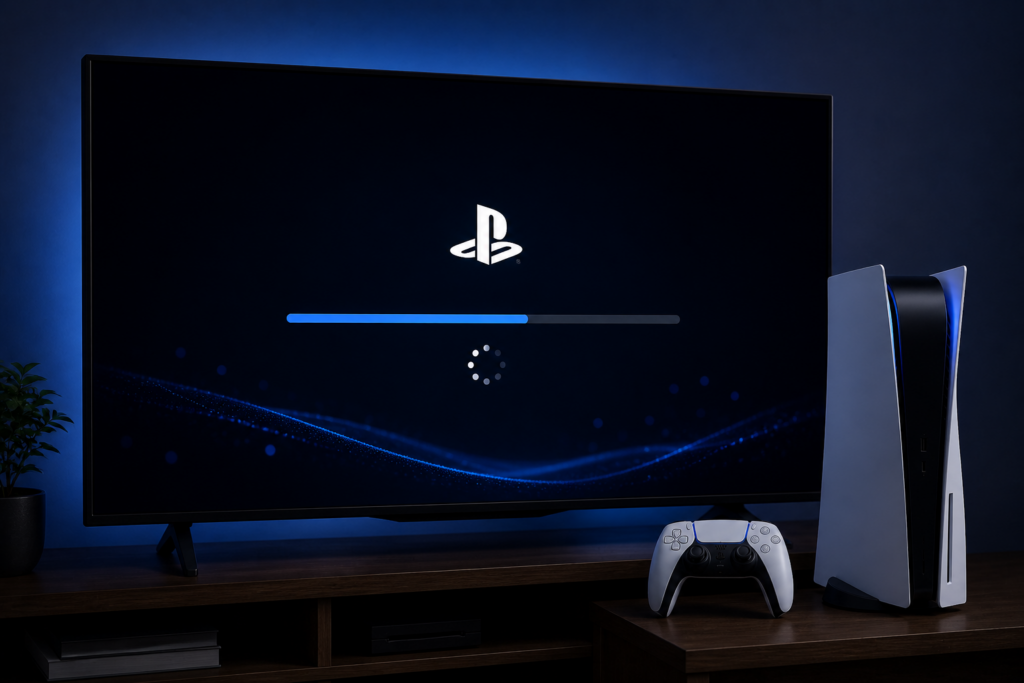
- Console stuck on update screen
- Update keeps restarting (loop)
- Error codes during update
- System won’t boot after update
- Safe Mode keeps appearing
These are clear signs your console needs attention.
Quick Fixes You Can Try First
Before going for repair, try these steps:
1. Restart and Power Cycle
Turn off the console completely and unplug it for a few minutes. This can reset minor system glitches.
2. Use Safe Mode
Boot into Safe Mode by holding the power button until you hear a second beep.
From there, try:
- Update system software
- Rebuild database
Safe Mode allows you to repair corrupted data without deleting everything
3. Update via USB
If online updates fail, download the update file on a USB and install it manually. This is often used when files are corrupted or incomplete
4. Check Storage & Files
Wrong or incomplete update files can also cause failure, so make sure the correct file is used
When You Need Professional Repair
If the issue continues after basic fixes, it may be a deeper problem.
- Console stuck in update loop
- Safe Mode not resolving the issue
- System won’t recognise update files
- Possible hard drive or motherboard fault
At this stage, expert repair is the safest option.
PlayStation Repair in Dundee
At Pocket Geek Dundee, technicians diagnose and fix update issues properly.
Services include:
- System software repair and reinstall
- Update loop fix
- Hard drive repair or replacement
- Data recovery (when possible)
- Full console testing
Many update-related issues can be fixed the same day, depending on the fault.
Why You Shouldn’t Ignore It
Leaving your console stuck on update can lead to:
- Permanent system corruption
- Data loss
- Hardware damage
- Complete console failure
Fixing it early gives you the best chance of a quick and affordable repair.
Why Choose Pocket Geek Dundee
- Fast turnaround times
- Experienced gaming technicians
- Affordable pricing
- Honest diagnostics
- Trusted local service
Repairing your console is usually much cheaper than replacing it.
Visit Us in Dundee 92 Nethergate, Dundee DD1 4EL, UK
 Phone: 01382 688578
 Website: www.pocketgeekdundee.co.uk